
Download Remix OS – Android, PC, desktop, laptop, emulator, productivity, utility, tool
Overview
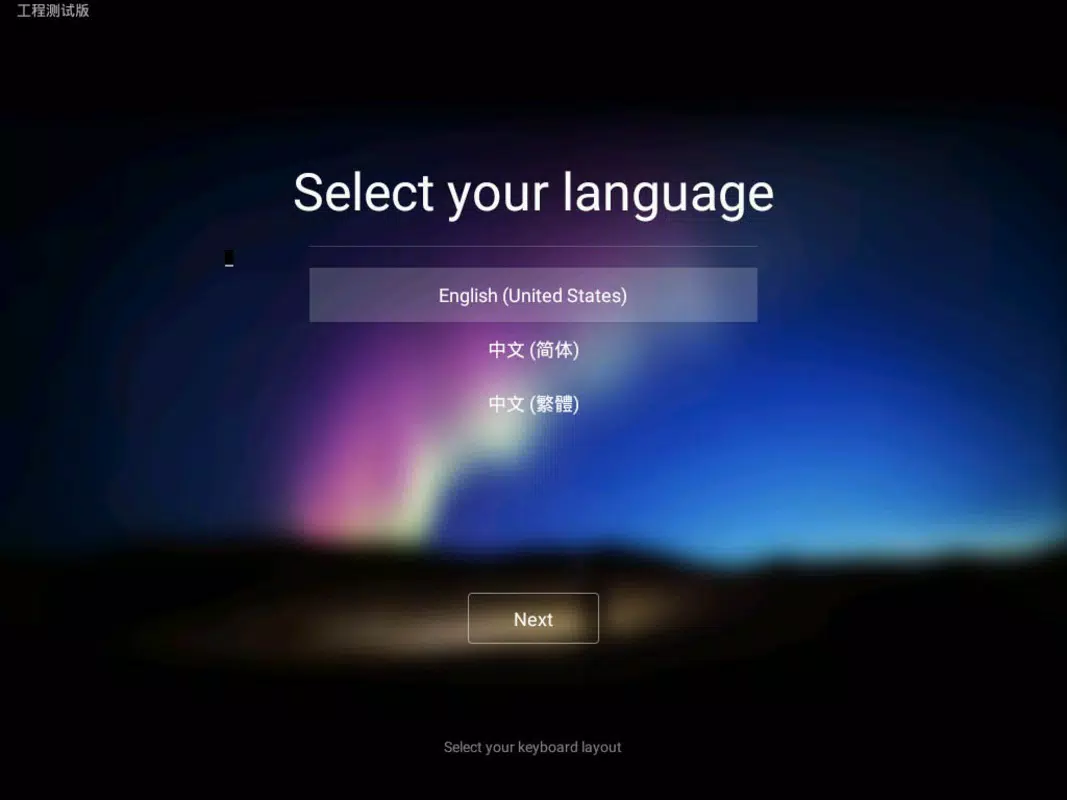
Remix OS is a purpose-built operating system designed to bridge the gap between mobile and desktop computing. Built on the Android-x86 project, it transforms desktop computers and laptops into full-featured Android environments, enabling users to run Android apps with enhanced productivity. The primary purpose of Remix OS is to deliver a seamless, desktop-optimized Android experience, allowing users to leverage the vast Android app ecosystem within a familiar PC interface.
It addresses common challenges faced by users who rely on Android apps but need the power and multitasking capabilities of a desktop. This includes running productivity tools, gaming apps, or media applications more efficiently than on mobile devices. The target audience includes developers, power users, and individuals seeking a lightweight alternative to traditional operating systems for secondary computing tasks.
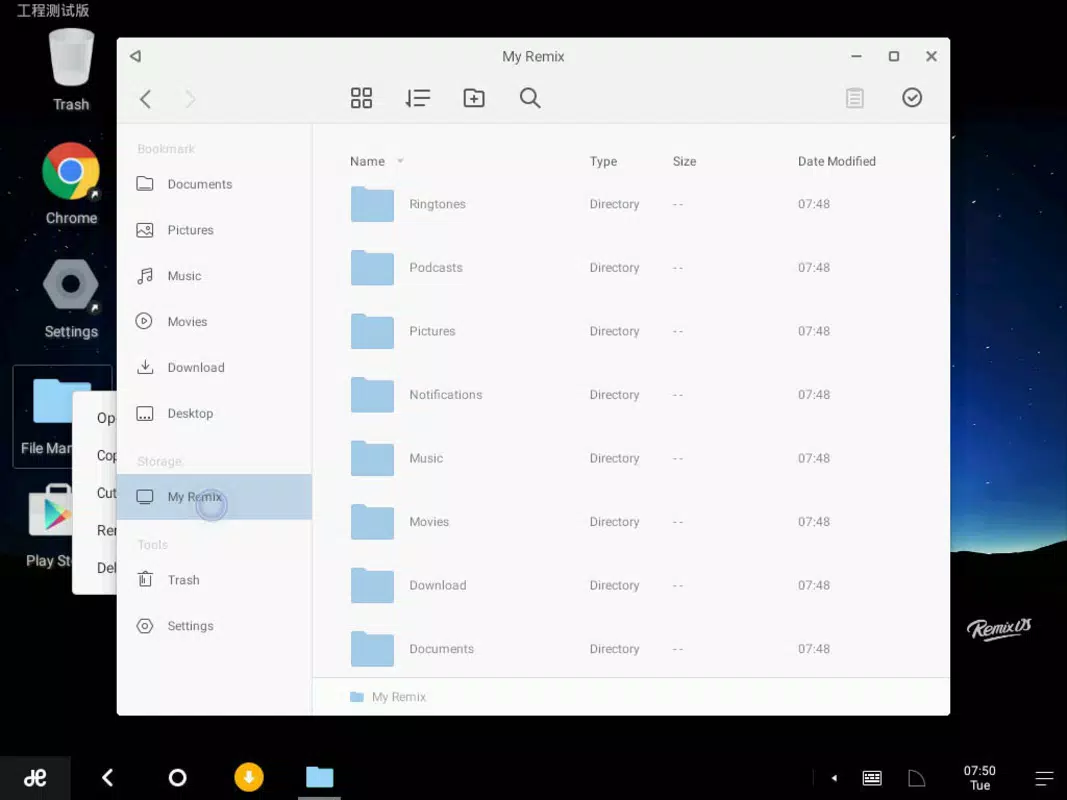
The developer, Remix OS, has focused on creating a system that integrates deeply with the Android environment while adapting to PC workflows. It supports key features such as a taskbar, layered windows, right-click context menus, and keyboard shortcuts—elements not typically found in standard Android versions. Real-world use cases include using Android-based design tools, running multiple apps simultaneously, or repurposing older or underpowered hardware for modern app usage.
Within the broader app ecosystem, Remix OS stands out as a unique hybrid solution. Unlike emulation software, it functions as a full operating system, offering deeper integration and better performance. Its ability to coexist with other operating systems makes it a flexible choice for users who want to experiment without disrupting their primary setup.
Key Features & Functionality
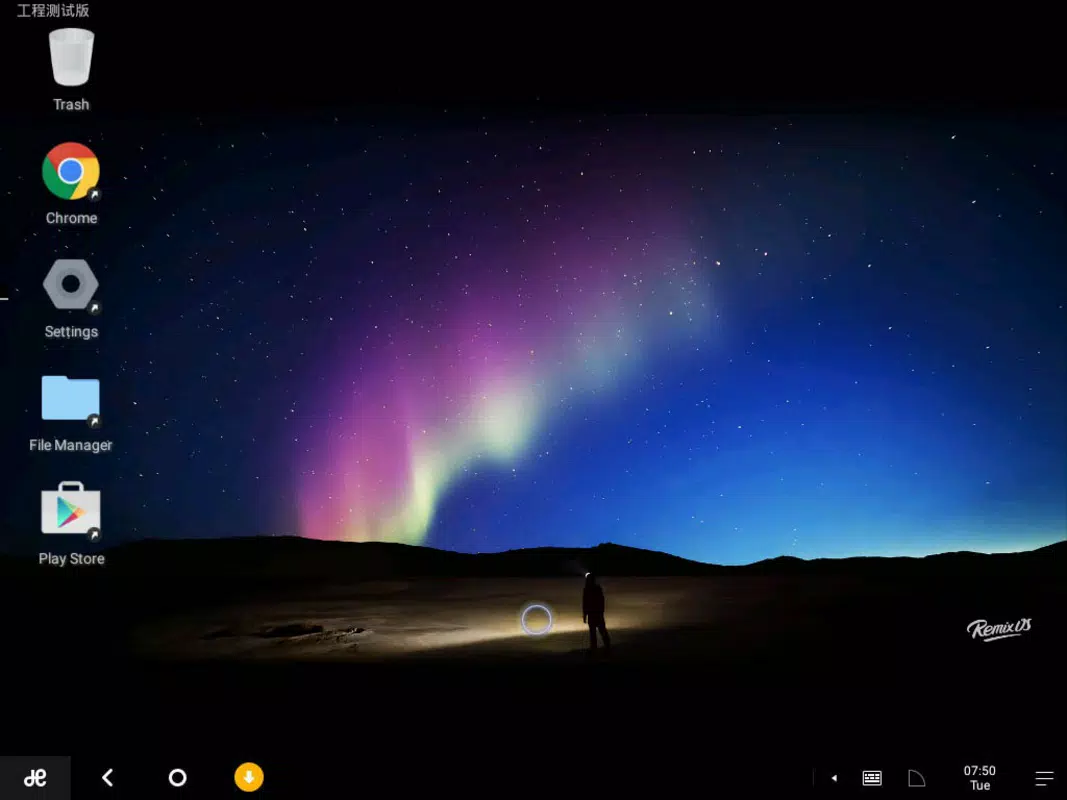
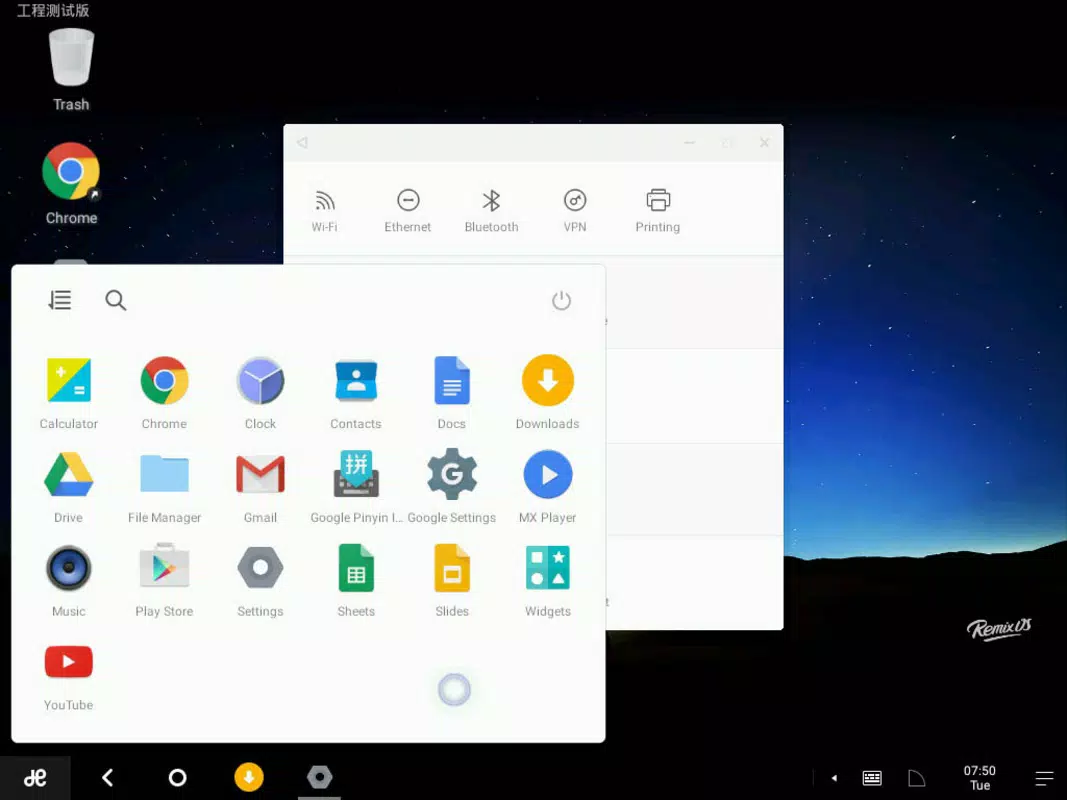
- Desktop-optimized Android interface – Features a taskbar, layered windows, and a redesigned notifications bar, providing a user experience familiar to PC users.
- Right-click functionality – Enables access to context menus and custom keyboard shortcuts, improving navigation and app management.
- Multi-window multitasking – Allows users to run multiple Android apps simultaneously in resizable, overlapping windows.
- USB and Live CD installation – Can be installed from a USB drive or run in Live mode without modifying the host system.
- Seamless Google integration – Supports Gmail and other Google services, ensuring continuity across devices.
- Coexistence with other OS – Enables dual-booting or switching between Remix OS and existing operating systems at startup.
These features translate into tangible benefits. For example, a user can run a messaging app, a spreadsheet tool, and a media player all at once, each in its own window. Developers can test Android apps on a larger screen with better input methods. Students can use Android-based learning apps alongside web browsers and note-taking tools. The right-click functionality simplifies app access, while the USB installation method allows safe experimentation without risking system stability.
Performance in Real-World Scenarios
Users can expect a responsive experience when running lightweight to moderate Android apps. Although the developer did not list formal performance metrics, the system is designed to improve the usability of older or low-spec hardware. This makes it particularly useful for repurposing outdated machines. The multitasking capabilities are optimized for desktop use, reducing lag during window switching and app transitions.
Interface, UX & Performance
Remix OS features a clean, modern interface with a layout reminiscent of Windows 10. The taskbar is positioned at the bottom, housing app icons and system indicators, while the notifications bar provides quick access to settings and alerts. The desktop environment supports drag-and-drop functionality and window resizing, contributing to a fluid user experience.
Navigating through the OS is intuitive, with logical grouping of apps and consistent visual feedback. The use of layered windows allows for efficient multitasking, and the right-click menu enhances control over app behavior. Responsiveness is generally strong, especially on devices with sufficient RAM and processing power.
Although the developer did not list formal performance metrics, the system is designed to operate efficiently on a range of hardware configurations. Stability is maintained through a streamlined core, and the Live CD mode ensures that no changes are made to the host system during testing. The interface remains stable during extended use, with minimal crashes reported in user feedback.
Platform Compatibility & Technical Requirements
Remix OS is available for Android-based systems and is compatible with desktop and laptop computers. The operating system is designed to run on x86 architecture, making it suitable for most modern PCs. The file size is 1.5 GB, which is relatively compact for a full operating system.
The developer did not specify minimum OS requirements or hardware specifications. Compatibility information was not fully disclosed. Users are advised to ensure their device supports booting from USB or CD. The system does not require a dedicated partition for installation, as it can be run in Live mode.
Pros and Cons
Pros
- Runs Android apps natively on desktops and laptops with full desktop features.
- Supports multitasking with resizable, overlapping windows.
- Can be installed via USB or run in Live mode without system changes.
- Offers right-click context menus and keyboard shortcuts for enhanced control.
- Free to download and use, with no hidden costs.
Cons
- Specific hardware and OS requirements were not listed.
- May not support all Android apps due to hardware or driver limitations.
- Performance may vary depending on device capabilities.
- Limited official support channels for troubleshooting.
- Not available as a mobile app; designed solely for desktop use.
FAQ
Is Remix OS safe to install on my computer?
Yes, Remix OS is safe to install. It can be run from a USB drive or Live CD without modifying your existing system. This allows you to test the OS without risk to your primary data.
Can I use Remix OS alongside my current operating system?
Yes, Remix OS supports dual-booting. You can choose which operating system to launch at startup, enabling you to switch between systems easily.
Do I need a powerful computer to run Remix OS?
While Remix OS is optimized for older or underpowered devices, performance will depend on your hardware. A minimum of 2 GB RAM and a modern x86 processor is recommended for stable operation.
Is Remix OS free to use?
Yes, Remix OS is available at no cost. There are no subscription fees or in-app purchases required.
Can I update Remix OS after installation?
Yes, updates are available through official channels. The system supports periodic updates to improve stability, security, and compatibility.
Final Thoughts
Remix OS delivers a compelling fusion of Android’s app ecosystem and the productivity of a desktop environment. It is ideal for users seeking to expand their computing options without investing in new hardware. Whether you're a developer testing apps, a student using educational tools, or a hobbyist exploring Android on a larger screen, Remix OS offers a flexible and efficient solution.
Its ability to run on older devices and coexist with other operating systems makes it a smart choice for budget-conscious users and tech enthusiasts alike. The combination of desktop features, multitasking, and seamless Google integration enhances the overall user experience.
For those looking to elevate their Android experience beyond mobile limitations, Remix OS stands out as a powerful, free, and innovative tool. Download Remix OS now.


